The whip pan is an amazing technique to transition between scenes and grab your audience’s attention. Let’s explore four ways you can master this technique.
The whip pan is my absolute favorite transition when it comes to video editing. There are various ways to achieve this transition, whether it’s capturing it on set or creating it in post-production. So, let’s dive into how it’s done.
Capture Practically

The whip pan is a good way to momentarily disorient your audience.
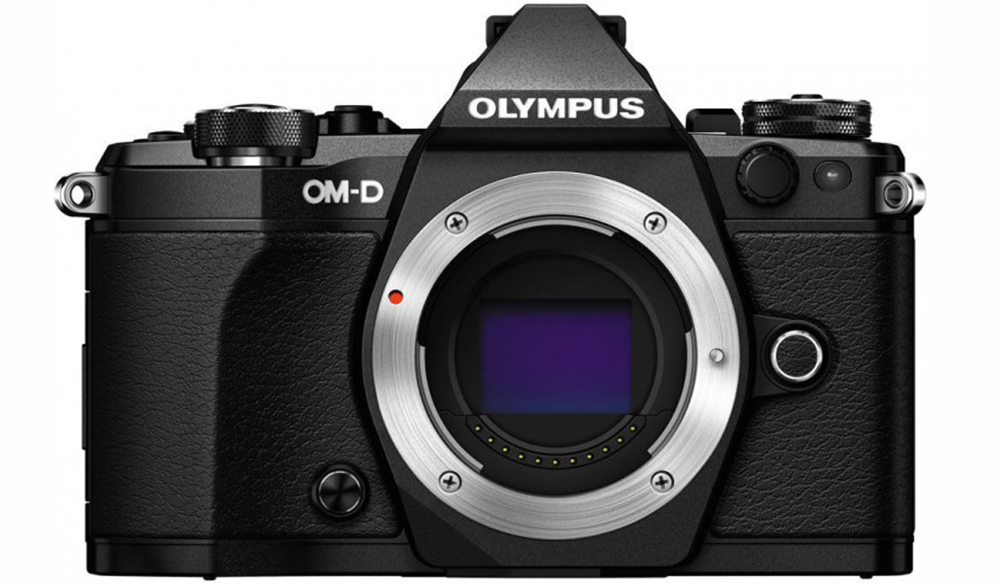
The first method is the most straightforward: capturing it practically. Grab your camera, zoom in, and swiftly pan in one direction. This will create a blurred whoosh effect on screen. Next, select a 24-frame segment from the clip and place it between two other shots on your editing timeline.
Endings and Beginnings
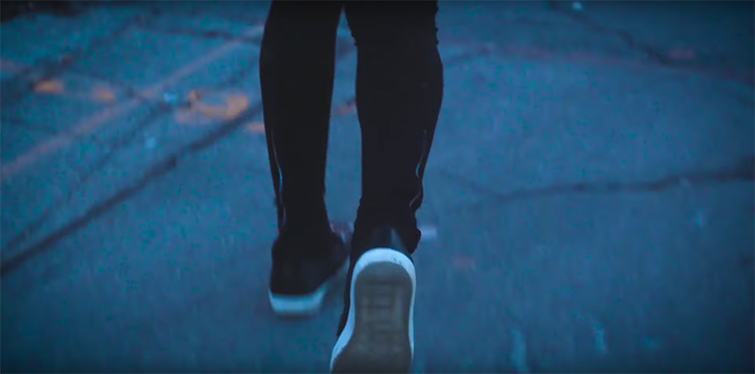
You can whip pan in, target a specific frame, then whip pan out to really emphasize a subject.
You can get really creative with whip pans by capturing them at the end of shots and seamlessly blending them with shots that are just beginning. This creates a smooth edit that combines two shots with a single woosh. It’s incredibly effective and surprisingly simple.
Time Ramping

Speed up your clip to create a whip pan in post-production.
Let’s say you don’t have any whip pans captured practically. Don’t worry, there’s a fantastic solution using time ramping. First, select the shot you want to use. Then, speed up the end of the clip by 500-4,000 percent. This will make any subtle camera movement appear blurry and noticeable. You can even apply frame blending to create motion blur.
Keyframing
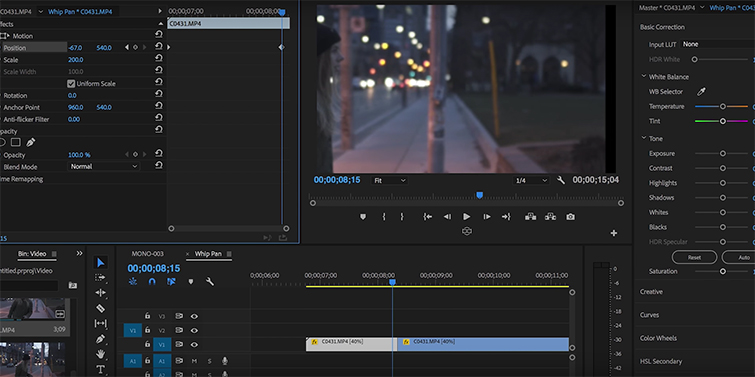
Animate a keyframe to create a whip pan using location on screen.
If your shots don’t speed up well, you can manually recreate the whip pan using keyframing. Simply scale your footage to 500, then position it on either the far left or far right side of the screen. Now, keyframe it to move from one side of the screen to the other. Finally, go to your effects panel and apply a directional blur that moves horizontally.
There you have it! Four incredibly effective whip pan transitions you can use in your next edit.
Looking for more video tutorials? Check out these resources:
- Video Tutorial: How to Use a Vehicle as a Dolly System
- Tutorial: How You Can Travel the World Making Videos
- Understanding Keyframe Interpolation in Adobe After Effects
- Video Tutorial: How to Build a $25 Overhead Camera Rig
- Video Tutorial: The Secrets Behind Lighting a Shot with Fire
rnrn