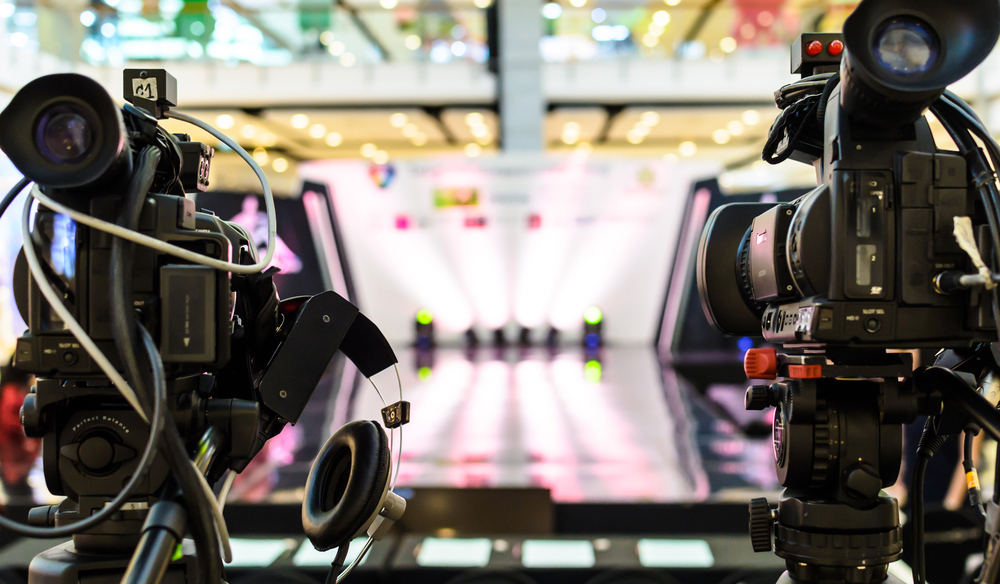
Putting your video project together is the final step in the shreditor’s process. Learn how to do it the right way.
Cover image via Shutterstock.
If you’ve already read through “The Shreditor’s Guide” on pre-production and on shooting, then this article on editing will wrap up our series on helping you become an ultimate producing, shooting, editing, video production Shreditor.
For many, editing can be the most tedious part of the video production process, but if you have the right attitude and a good supply of post-production tools, it can actually be the most fun (and in a way, the most important).
Here are some tips, tricks, and resources to give you the editing chops to solve problems and add that extra shine to your videos.
Build Your Workstation

Image via Shutterstock.
While it may be tricky as a shreditor, once you wrap your production and sit down to edit, you need to clear your mind (and close your distracting tabs of emails and calendars) to focus on your final task. A good way to do this is to build your editing workspace into your dark, cool, and quiet sanctuary.
Besides a quiet space where you won’t get too distracted, you also need to build a workstation that can handle all your post-production needs. A solid, up-to-date computer is a good place to start. Here are the system requirements for running Adobe’s Premiere Pro, After Effects, Apple’s Final Cut X and Blackmagic’s DaVinci Resolve (all programs you may want to use).
Some recommendations for desktop macs and PCs here

Other Articles
The Future of Documentary Film Unveiled in “American Vandal”
Filmmaking Hacks: Creating the Illusion of Two Cameras