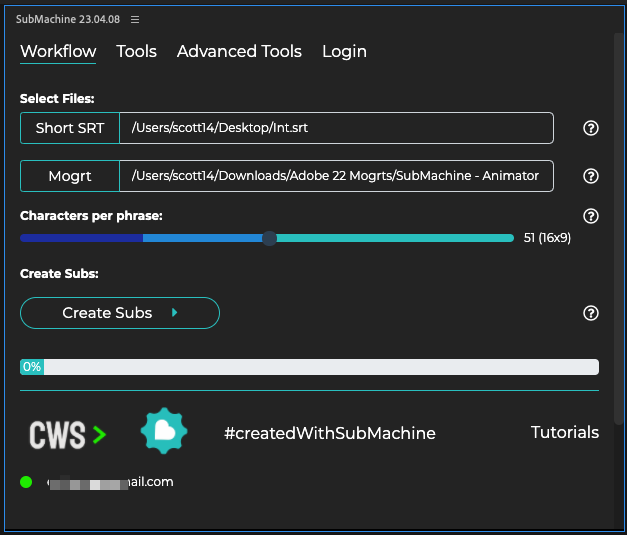
Are you tired of spending hours manually adding subtitle animations to your Premiere Pro videos? Look no further than Submachine from Creative Workflow Solutions. This amazing tool combines Premiere’s built-in transcriptions feature with captioning and motion graphics templates to create per-word subtitle animations. And the best part? You can even change the styling options after creating your subtitles. Trust us, SubMachine might be one of the single best time-saving extensions you’ll ever use for Premiere Pro.
But that’s not all. The Premiere Gal Toolkit is perfect for those who want to add some flashy video elements to their edits without sacrificing quality. With over 900 overlays, titles, transitions, effects, sounds, and more, this $69 extension is a must-have for any editor. And if you’re looking to remove silence from your videos and create the popular jump-cut aesthetic, look no further than Silence Remover. This $49 extension is the perfect addition to your Premiere Pro toolkit.
Looking for some awesome Adobe Premiere Pro add-ons? Look no further! We’ve rounded up some of the best tools out there to help you save time and take your editing to the next level. First up, Silence Remover from Animation Gym. This handy utility can auto-remove silence in Premiere Pro, saving you a ton of time. And while you can technically do this without any third-party plug-ins, why not make your life easier with Silence Remover?
Next, we have Labels PPro. This pay-what-you-want extension panel makes it easy to work with label colors and marker colors in Premiere Pro. No more guessing what color Cerulean is! Plus, you can download custom color themes to really take your label game to the next level. And if you really love Labels PPro, check out Labels 4 for even more label control.
If you’re looking to up your audio game, check out CrumplePop’s suite of audio repair plug-ins. These VST3 and AU plugins work with Premiere Pro, Audition, Final Cut Pro, DaVinci Resolve, Garageband, Logic, and more. And with a range of effects to choose from, you’re sure to find the perfect tool for your project.
Finally, we have AutoPod. This Adobe Premiere Pro panel promises “automatic editing for video podcasts and shows,” including a multi-camera editor, social clip creator, and jump cut creator. While the subscription price may be a bit steep for some, this set of tools could be a game-changer for those editing a lot of talking head podcasts.
And last but not least, we couldn’t resist sharing this customizable Star Wars opening crawl template from AE Screens. May the force be with you!Looking for some useful tools to up your editing game? Look no further than AE Screens’ latest blog post, complete with a download link and all the details you need. And don’t miss out on our Twitter roundup, featuring everything from AI video models to life “cheat codes” you won’t want to miss. Check it out now!Check out these exciting updates from the world of technology and current events! Did you know that the declining life expectancy in the US is actually regional? Some blue counties have increasing life expectancy better than Japan, while many red counties have plummeting life expectancy worse than Russia. And in other news, Tennessee House Republicans have voted to advance a bill allowing teachers to carry guns in schools, despite opposition from mothers, teachers, and advocates. But let’s not forget about the latest AI tools and advancements in video editing and production, including NVIDIA Canvas for creating landscapes and Pixotope Pocket for changing the game in virtual production. And don’t miss out on Adobe’s vision for AI video tools and updates to Premiere Pro and After Effects at NAB 2023. Stay informed and stay ahead of the game!

Other Articles
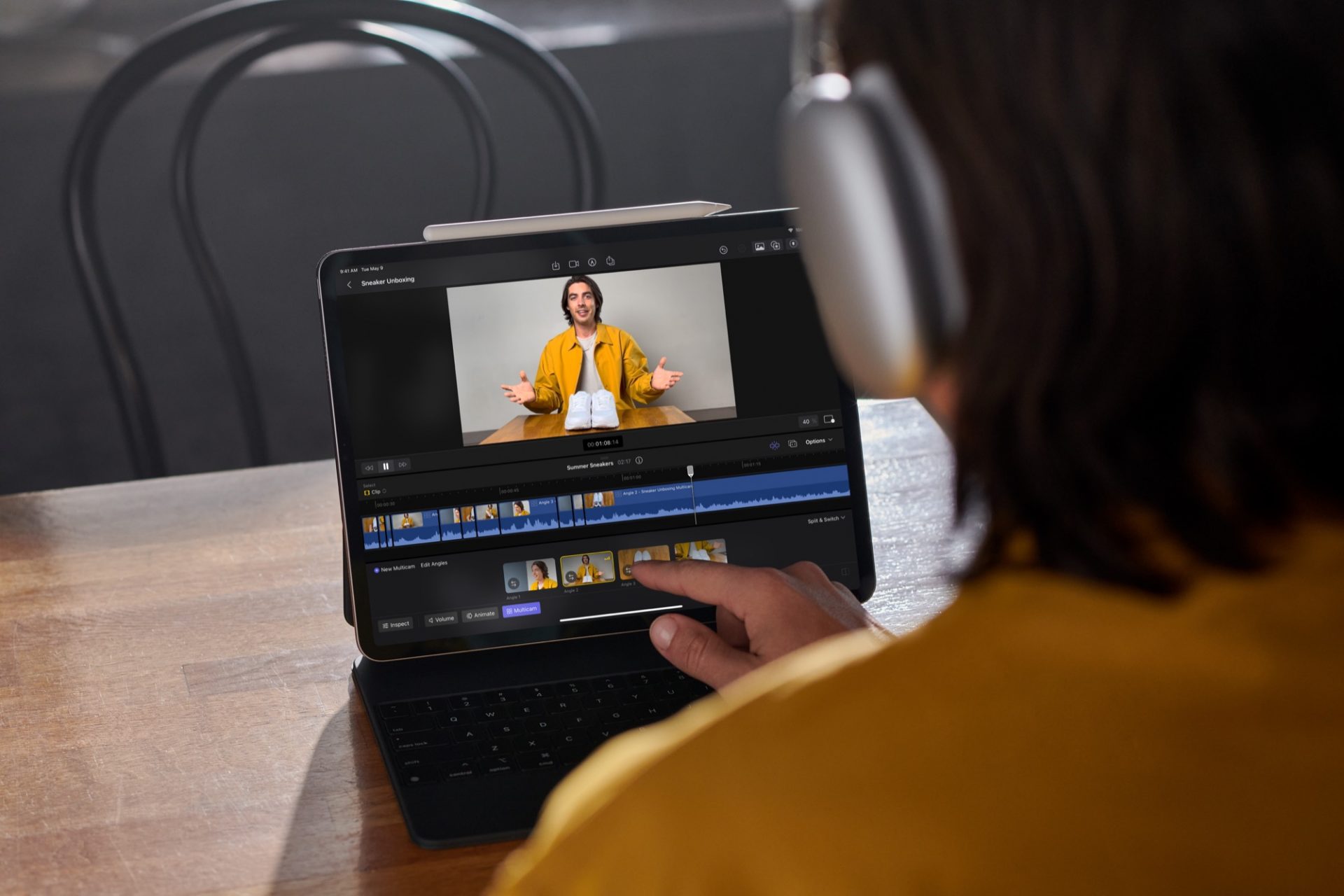
Introducing Final Cut Pro for iPad
Television Firsts During Queen Elizabeth II’s 1953 Coronation