


Get ready to master the art of flashback sequences with this ultimate guide!
Cover Image via Warner Brothers.
Flashbacks are a powerful storytelling tool that can add depth and emotion to your film. But how do you produce and edit them effectively? This guide has got you covered!
There are two types of flashbacks: internal and external. Internal flashbacks revisit a scene already established in the narrative, while external flashbacks take the story back to a time before the audience joined the narrative.
Some critics argue that internal flashbacks can weaken the story, but if used intentionally and with clear film language, they can be a powerful tool.
To create effective flashbacks, you need to know the different visual and audio cues that signify a flashback. Let’s dive into some of the most popular techniques!
Slower Shutter Speed

One way to create dreamlike or intoxicated flashback sequences is by decreasing the shutter speed of your camera. This blurs the footage and creates a unique perspective. However, you’ll need to film the scene twice for internal flashbacks.
Bloom Transition
The bloom transition is a popular technique that indicates a new scene or a character’s past memory. It’s easy to use and there are even presets available for download.
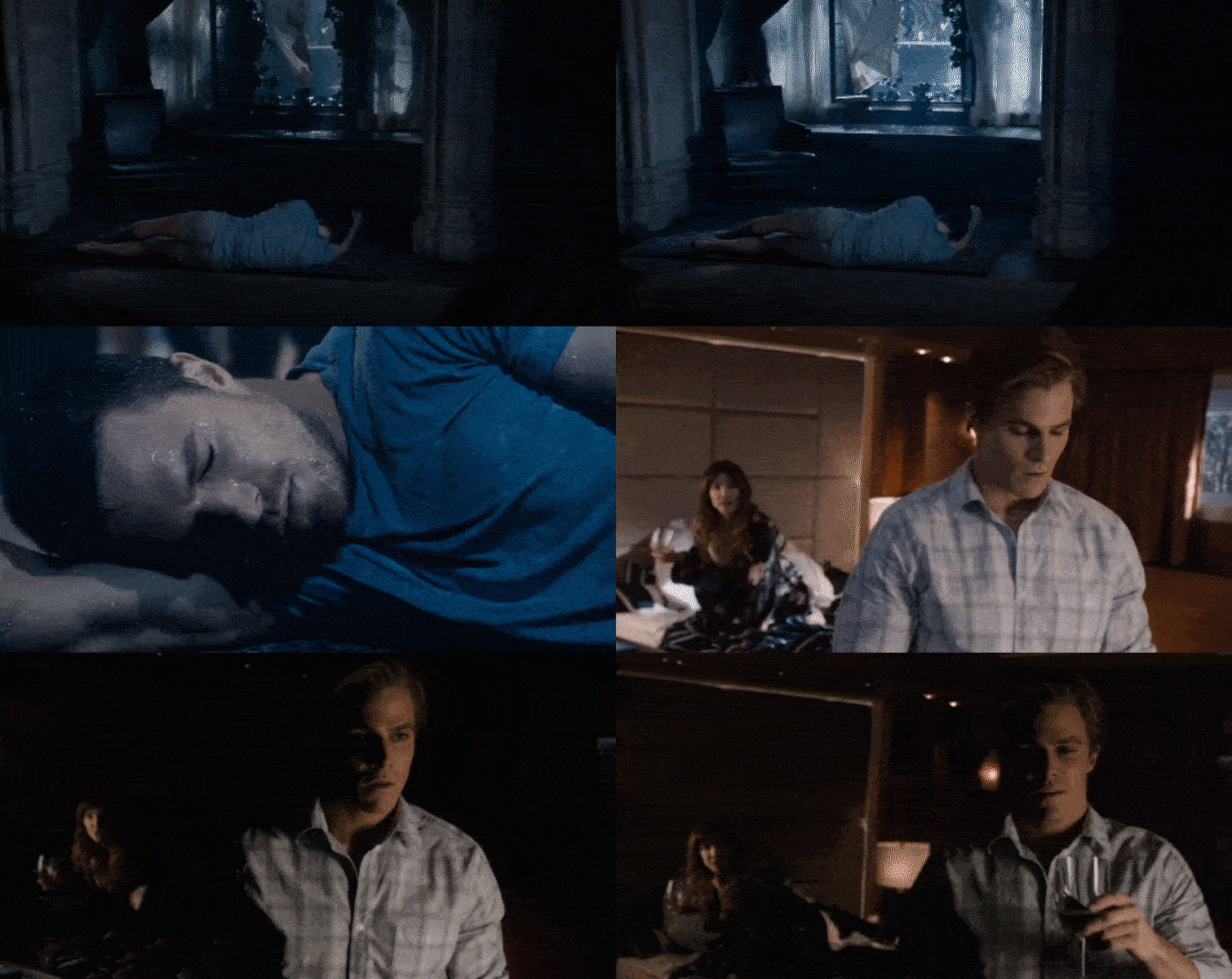
White Dissolve
The white dissolve is a simple yet effective technique that involves dissolving in and out of a white solid. You can create a solid white layer in your NLE or use a transition like Dip To White in Premiere Pro CC.
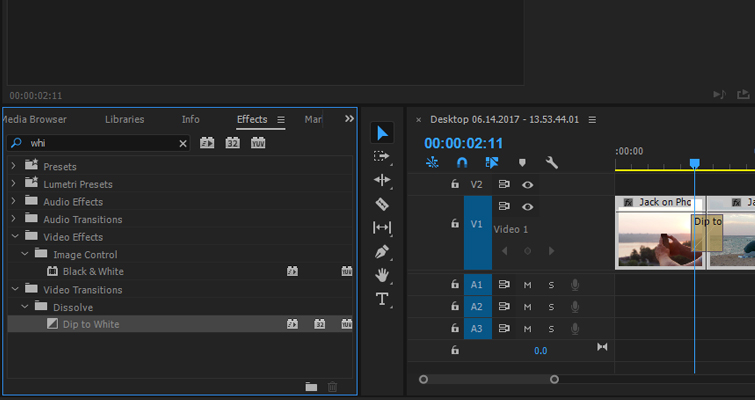
For added impact, try panning or tilting toward a highlight in the scene.
Cross Processing
Cross-processing footage can create an unnatural color and high contrast, perfect for flashback sequences. Check out how it’s used in Tarantino’s Django Unchained.