Want to Take Your Montages to the Next Level? Check Out This Video Tutorial!
If you’re looking to enhance the montages in your next project, then you’re in luck! In this video tutorial, I’ll show you a fantastic editing technique that will greatly improve the flow of your edit.
This technique is one of my all-time favorites for creating captivating montages, and the best part is, it’s incredibly easy to do. By utilizing the simple scale in (or scale out) technique I’m about to share with you, you’ll be able to infuse your sequences with more energy and make them flow seamlessly.
So, let’s dive right into this video tutorial and take your montages to new heights!
Steps to Create a Dynamic Montage
To begin, assemble the shots you want to include in your montage in the timeline. Once you’ve created your sequence, it’s time to start adding some magic.
Click on your first shot and navigate to the effects panel. From there, select “Scale” and create a keyframe marker at the beginning of your clip by pressing the stopwatch icon. This will mark the current scale of your clip, which is initially set at 100.

Now, move to the end of your clip and increase the scale to 105 or higher.
This will automatically create another keyframe marker.
If you play your clip, you’ll notice that you’ve successfully created a digital scale effect.
This technique can also be applied in reverse, resulting in a digital scale out effect. For example, you can start with a clip scale of 110 and then decrease it to 100 at the end.
To ensure this effect works seamlessly, apply it to at least three other shots in your sequence. Right-click on your first shot, select “Copy” from the drop-down menu, and then highlight the remaining clips in your sequence. Right-click again and choose “Paste Attributes.”

A window will appear, and you should select “Motion” before clicking okay.
This will apply the scale in effect to all the shots you highlighted. Depending on the length of your other clips, you may need to manually adjust the scale to ensure they don’t zoom in too slowly or too late.
I can’t stress enough how much this simple technique has elevated my edits. It’s a game-changer for montage sequences in almost any project. Give it a try and see the difference it makes!

Other Articles
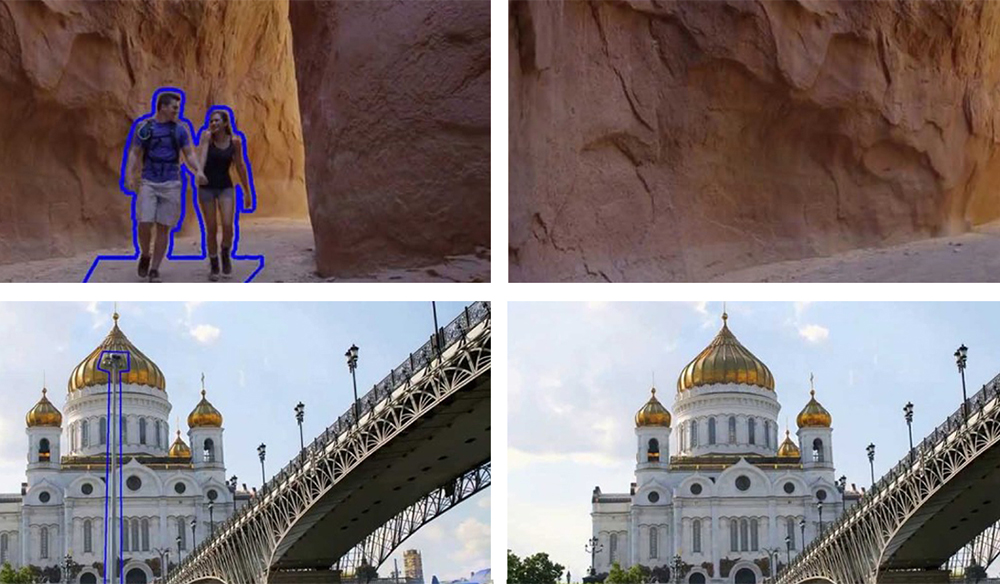
Peek into the Future of Content-Aware Filling with Adobe Cloak Unveiled
Master the Art of Eyelines in Film and Video Production